 Suvimi

Guided self-hypnosis
Let the day
fall away.
Settle into sleep, find your focus, or quiet a busy mind with a recorded voice to guide you.
Get an iPhone inviteJoin the iPhone beta through Apple TestFlight.
A practice that
fits your day.
Pick what you want to work on. Suvimi builds a 28-day plan you can return to at your own pace.
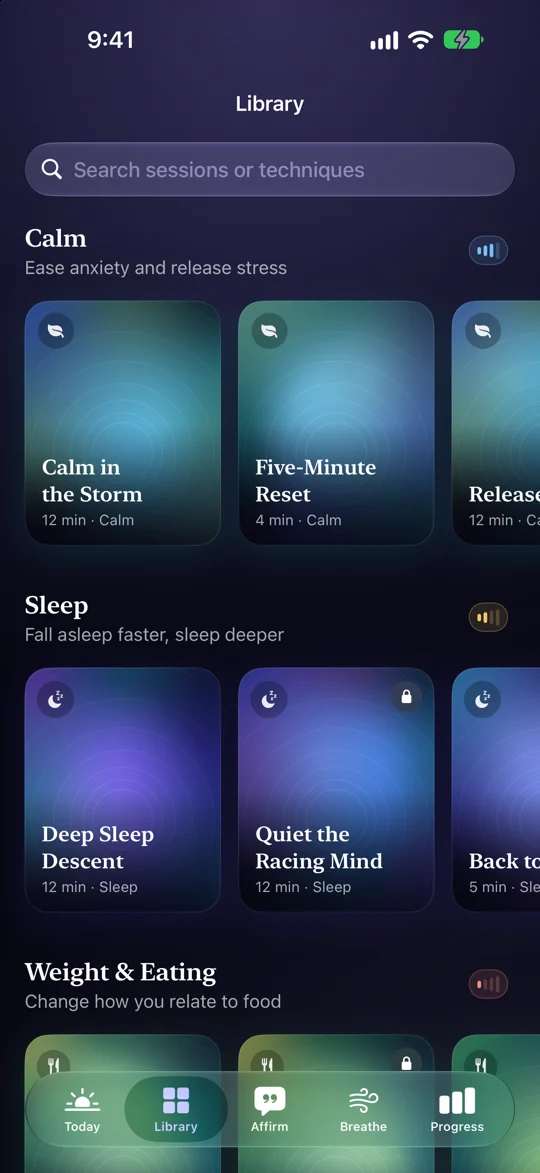
Choose your goal
Explore sessions for sleep, calm, confidence, focus, and everyday habits.
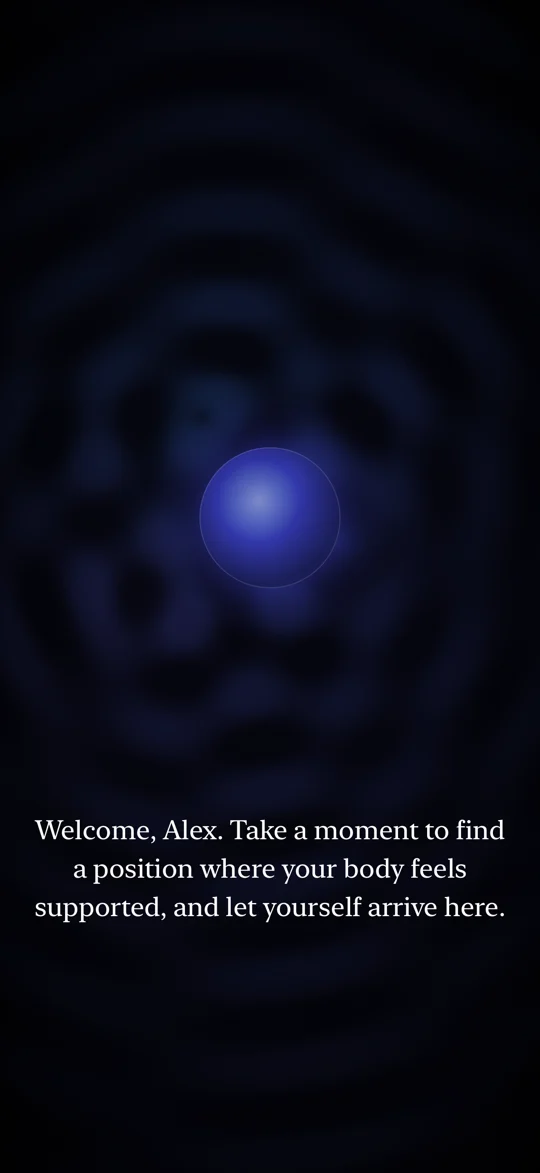
Follow the voice
Choose your guide and session depth. Follow the sound with your eyes closed or use the optional visual focus point.
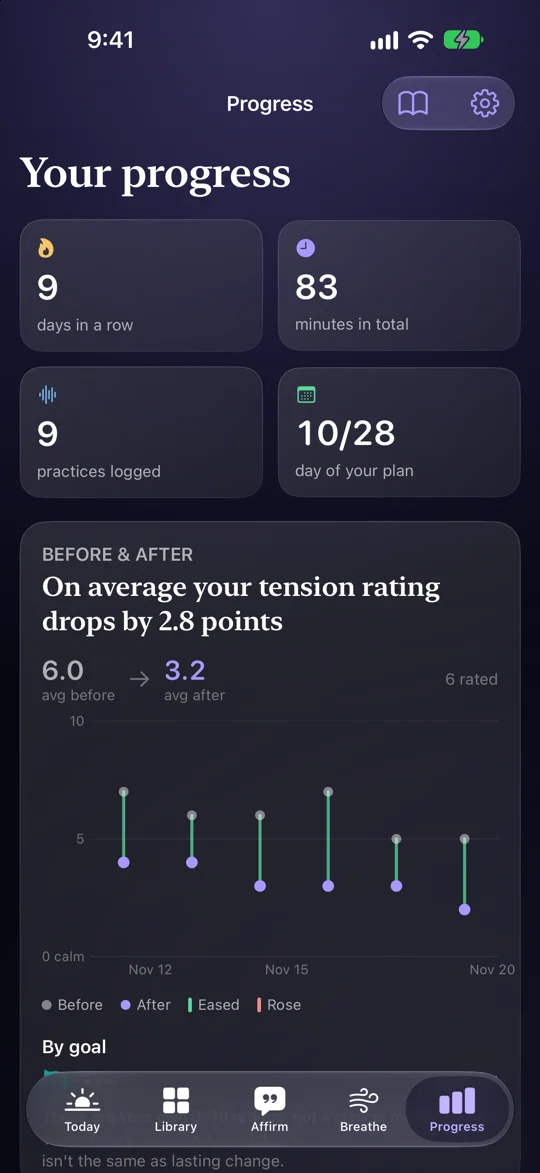
Notice what changes
Check in before and after a session. Revisit your history when you want to see how your practice feels over time.
Find your
guide.
Listen to the same line in two English voices. The full app also offers Spanish and Brazilian Portuguese guides.
“There is nothing you need to do right now, and nowhere else you need to be.”
Before you begin
How do I get Suvimi?
Request an invitation by email. When yours arrives, open it on your iPhone and follow Apple’s TestFlight installation instructions. The beta may still appear as Inward Glow.
What can I try for free?
Eleven sessions, breathing exercises, affirmations, check-ins, and progress tracking are free. Premium unlocks the full library, guided affirmation loops, and AR Sanctuary.
Can I listen offline?
Download the studio voice for your chosen goal while online. Once the pack is on your iPhone, you can play those recordings offline.
Do I need a Watch or an account?
Your iPhone is enough. The Apple Watch companion and Apple Health features are optional. You can use the app without creating a Suvimi account.
Make a little room
for yourself.
Request a TestFlight invitation to try your first guided session.
Get an iPhone inviteOr email help@inwardglow.com.